One link, no password, everything about their job.
Customers open a link from a text or email. It goes straight to their estimate, invoice or appointment. Nothing to install and nothing to remember.
The customer portal on a phone: three estimate options, the install visit time and an approve and sign button.
Your estimate
Holly, here are your three options
1240 Spear Blvd, Denver
Keeps the current system running
Rebate eligible
Quietest, most efficient
A phone showing the customer portal opened from a text link: the estimate, the invoice and the next appointment for one home.
01
Approve and pay from the link
- Review and sign estimates
- Pay invoices by card
- Ask for changes without calling
- Heat pump install, option 2
- $11,800.00
- Deposit paid Oct 8
- -$1,180.00
- Progress payment Oct 16
- -$6,440.00
- Balance due Oct 20
- $4,180.00
02
Their home, on one page
- Upcoming and past appointments
- Job photos and documents
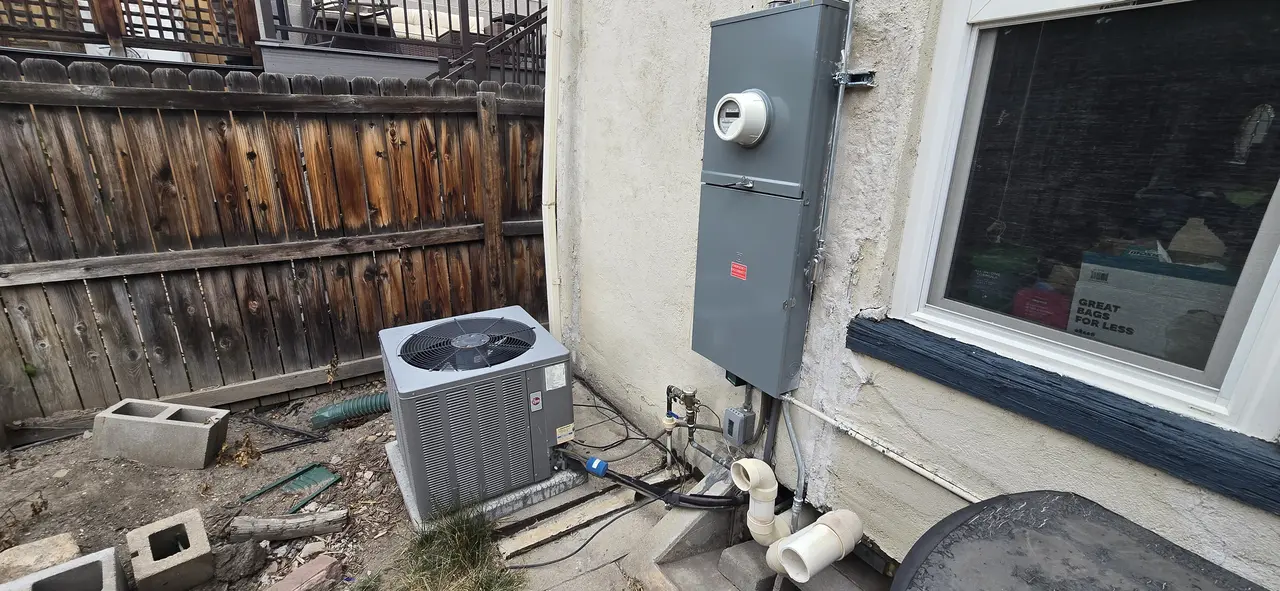
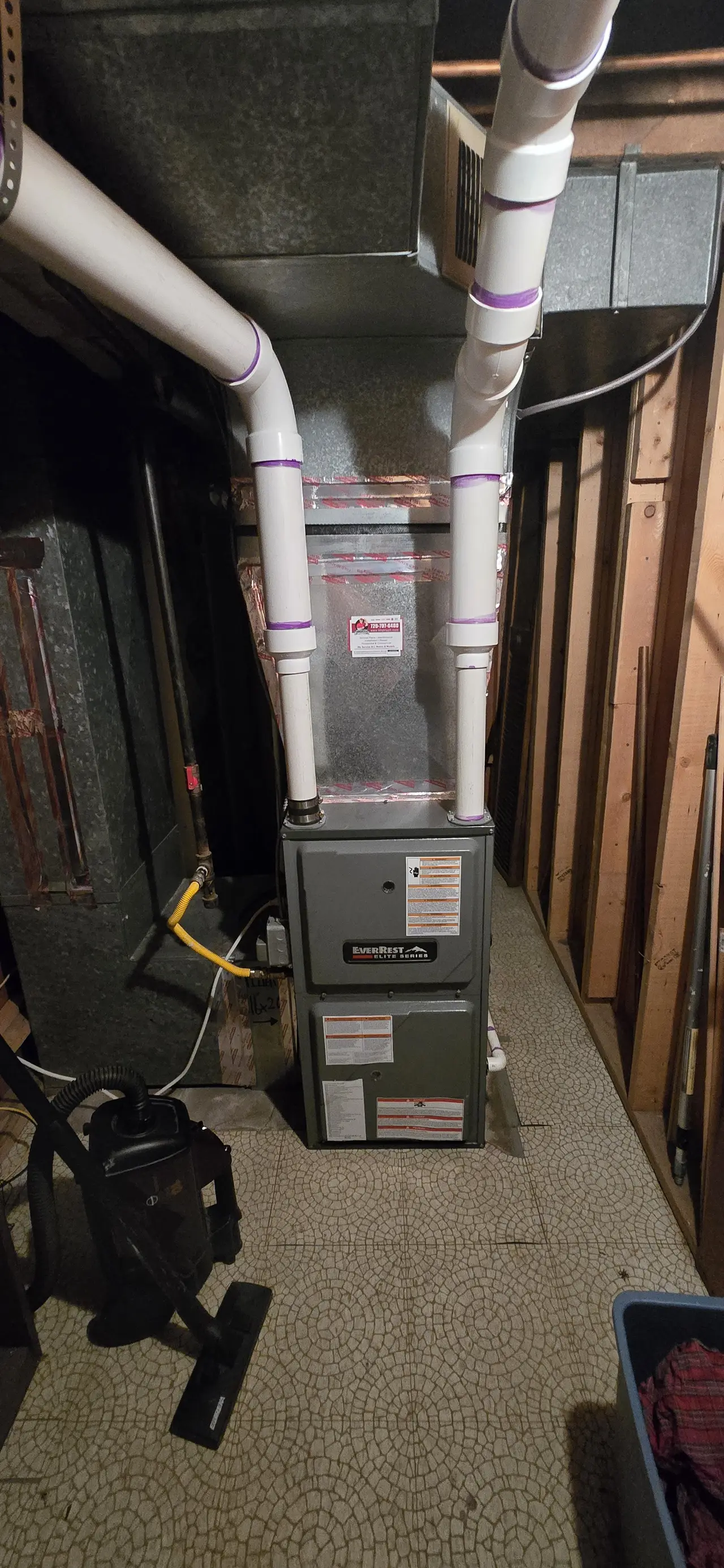
- Installed equipment
- Brand
- Carrier
- Model
- 24ACC636A003
- Serial
- 2316E12345
03
Talk to the office
- Messages land in the office inbox
- Contact preferences they control
- Feedback after the visit
Questions about the customer portal
How do the links work?
Each message carries a unique link to that customer. Opening it shows their estimate, invoice or appointment. No account or password.
Do customers need an app?
No. The portal opens in any phone or computer browser.
Can a customer pay from the link?
Yes, by card. The payment shows on the invoice in Plenum.
What if a link expires?
Expired estimate links say so and let the customer ask for a fresh one.
Tell us about your shop
A person reads every inquiry. The confirmation email you get back is the way to reach us.